Session 1: Introduction & Research
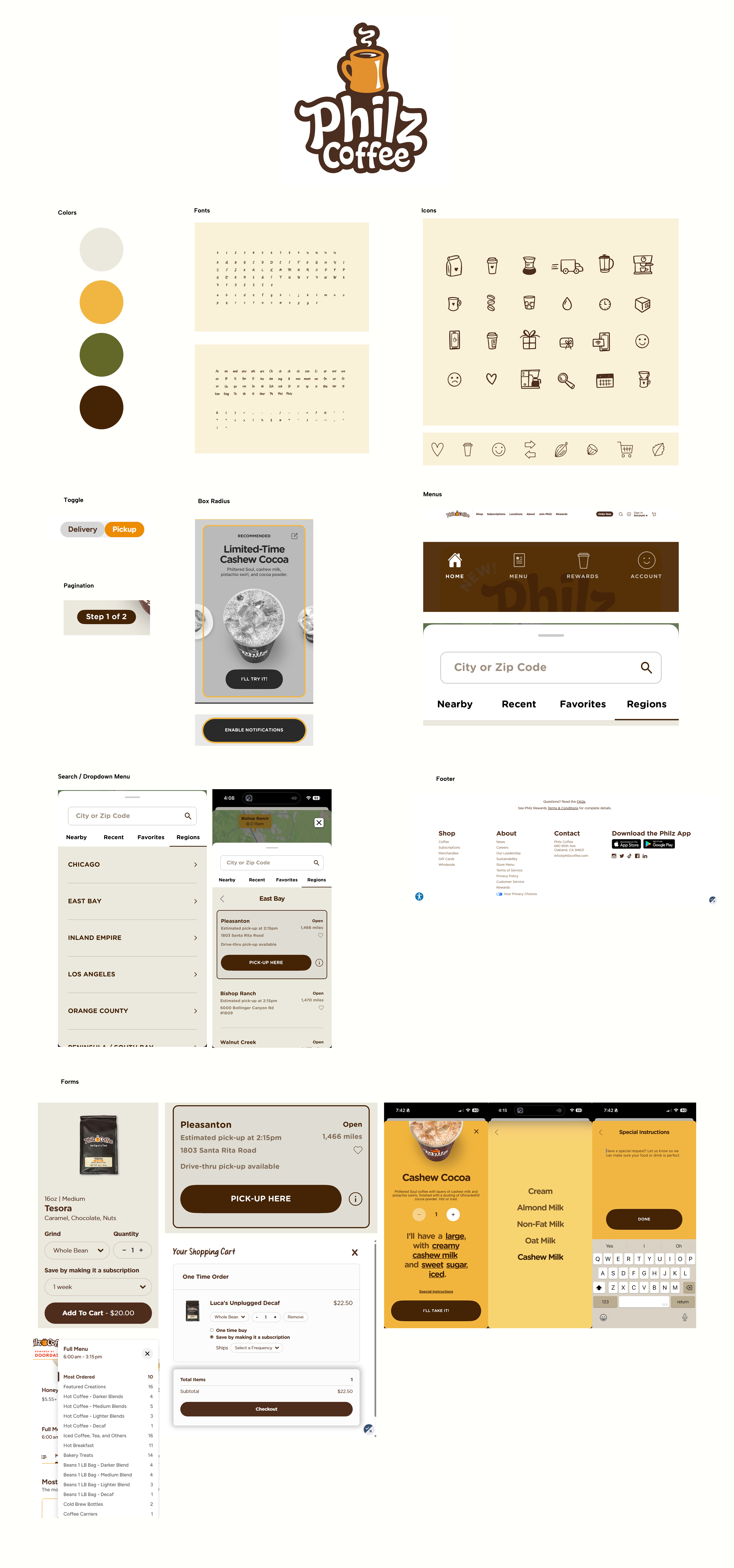
Session 2: Wireframes
Session 3: Testable Prototype
GEURILLA TESTING OBSERVATIONS:
During my guerrilla testing sessions with five participants, I observed several key insights. While the overall navigation felt intuitive to all of the participants, a few technical issues within the prototype caused moments of confusion and friction.
Users were generally able to move through the app smoothly and enter inventory counts without friction. However, one usability issue stood out. In the exploded view of a single product, one participant correctly counted eight items and then selected the “Next” button, assuming it would take them to a confirmation step. In the current design, the “Next” button advanced to the next product instead. After clicking it, the screen displayed a count of 18 for the new item, which created confusion because the user believed their original count had changed.
Although this was a minor interaction issue, it highlighted a clarity problem in the interface. Moving forward, I would revise the design to better communicate that the “Next” button advances to the next product rather than confirming the current count through clearer labeling, visual hierarchy, or a distinct confirmation step.
Another issue I observed during testing was related to button sizing and touch targets. The “add” and “subtract” buttons on the main counting screen were too small, which impacted usability. While attempting to adjust the count, one participant accidentally tapped into the exploded product view without realizing it. This created confusion and disrupted their workflow. In the next iteration, I would increase the button size and spacing to reduce accidental taps and ensure the primary counting interaction feels seamless and controlled.
Session 4: Swap Visual Styling! (Blue Bottle Coffee)
Session 5: Design System + Ops Manager Prototype
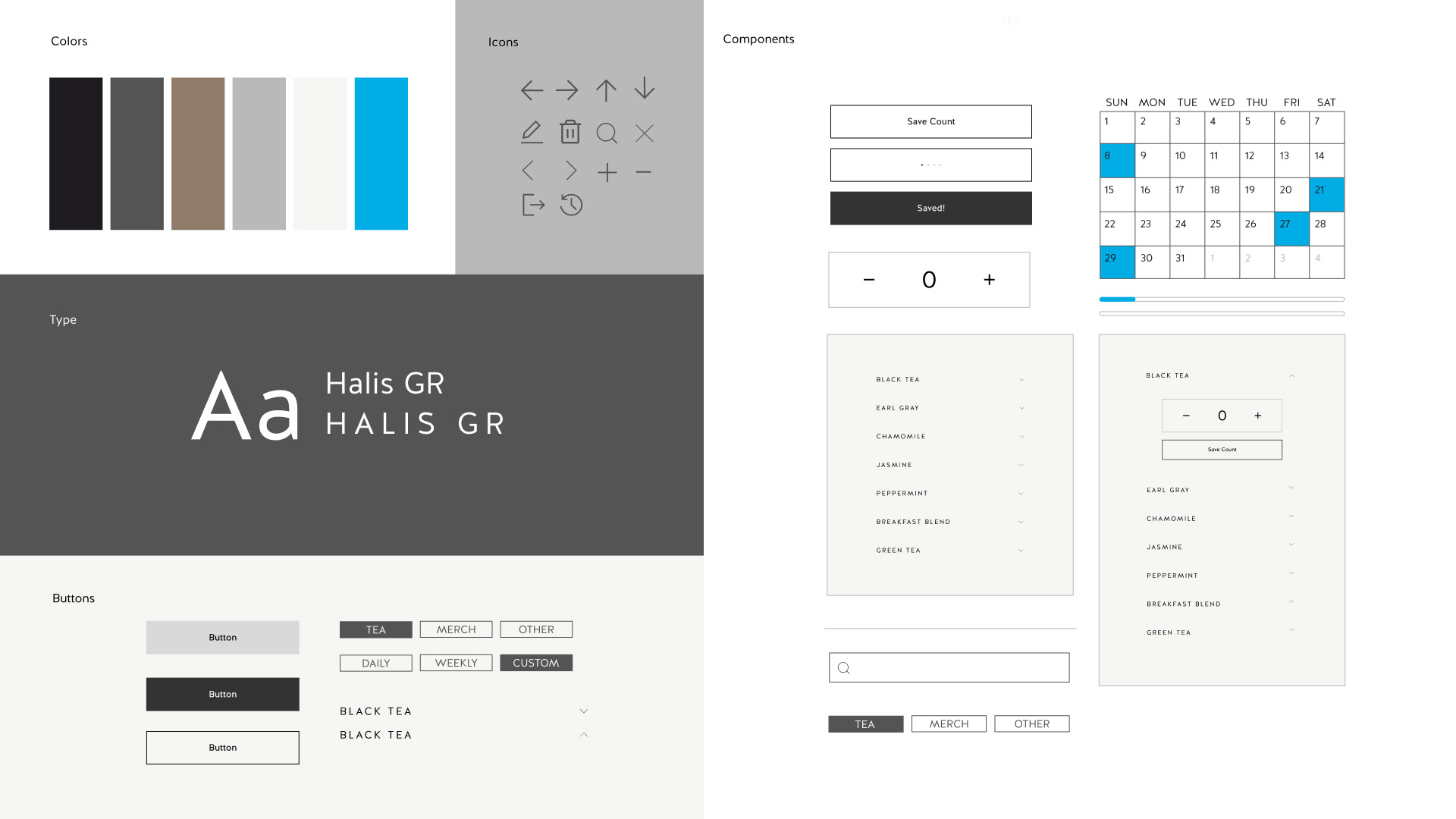
Final Prototypes & Flows (Top is Fulfillment, Bottom is Ops Manager)